Smart Cooking
A recipe from any link, cooked step by step.
Share a cooking reel or a recipe page, and Chef AI turns it into a recipe you can cook from: steps, timers, calories and macros, in about a minute.
 Scan to get it on your iPhone
What it does
A recipe from any reel
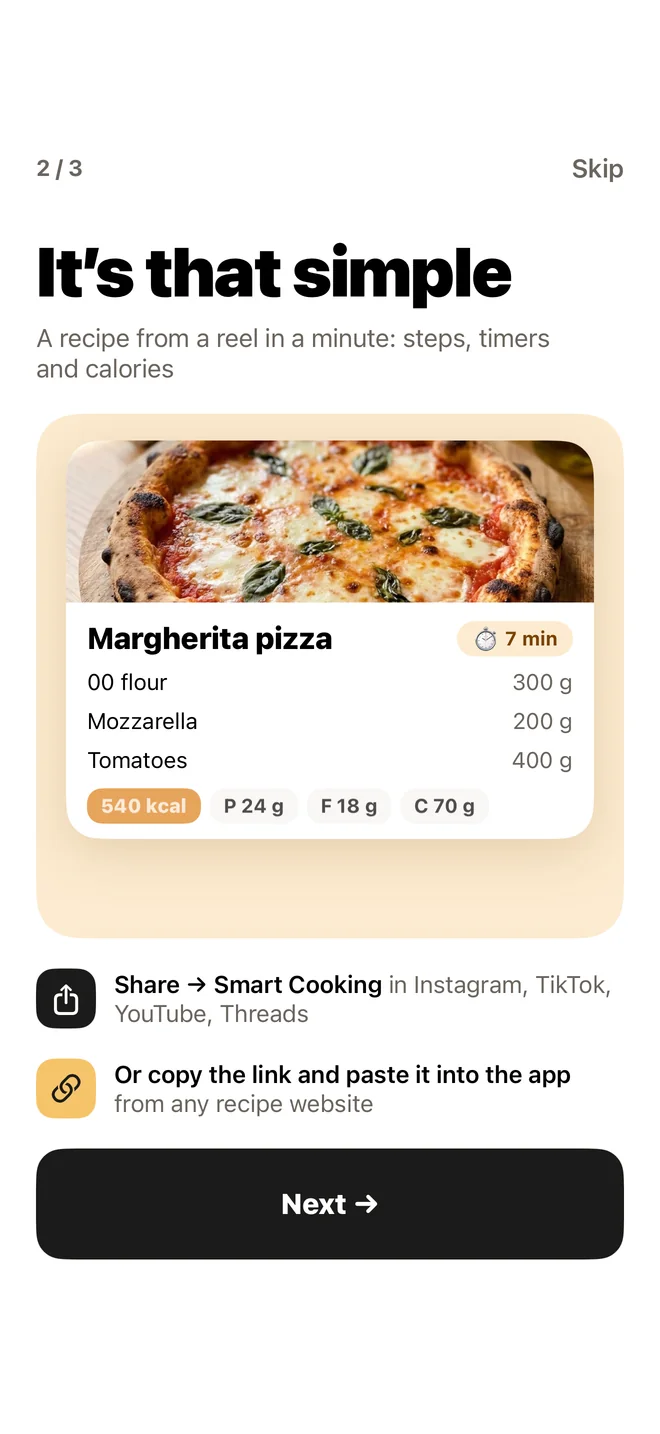
Tap Share → Smart Cooking in Instagram, TikTok or YouTube, or paste a link to a recipe website. Chef AI watches the video, listens to the creator and reads the caption.
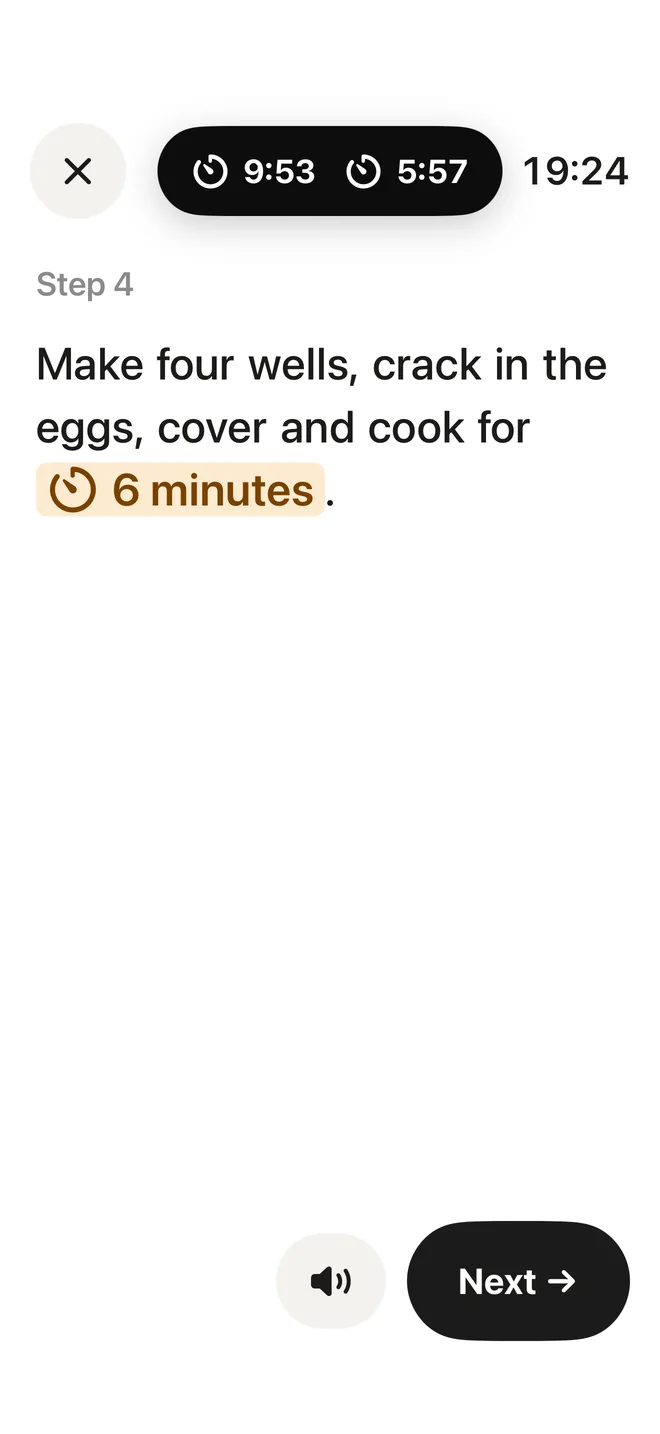
Big steps and timers
One step per screen, in text you can read from across the kitchen. Every time in a step is a button: tap “6 minutes” and the timer starts. Run several at once.
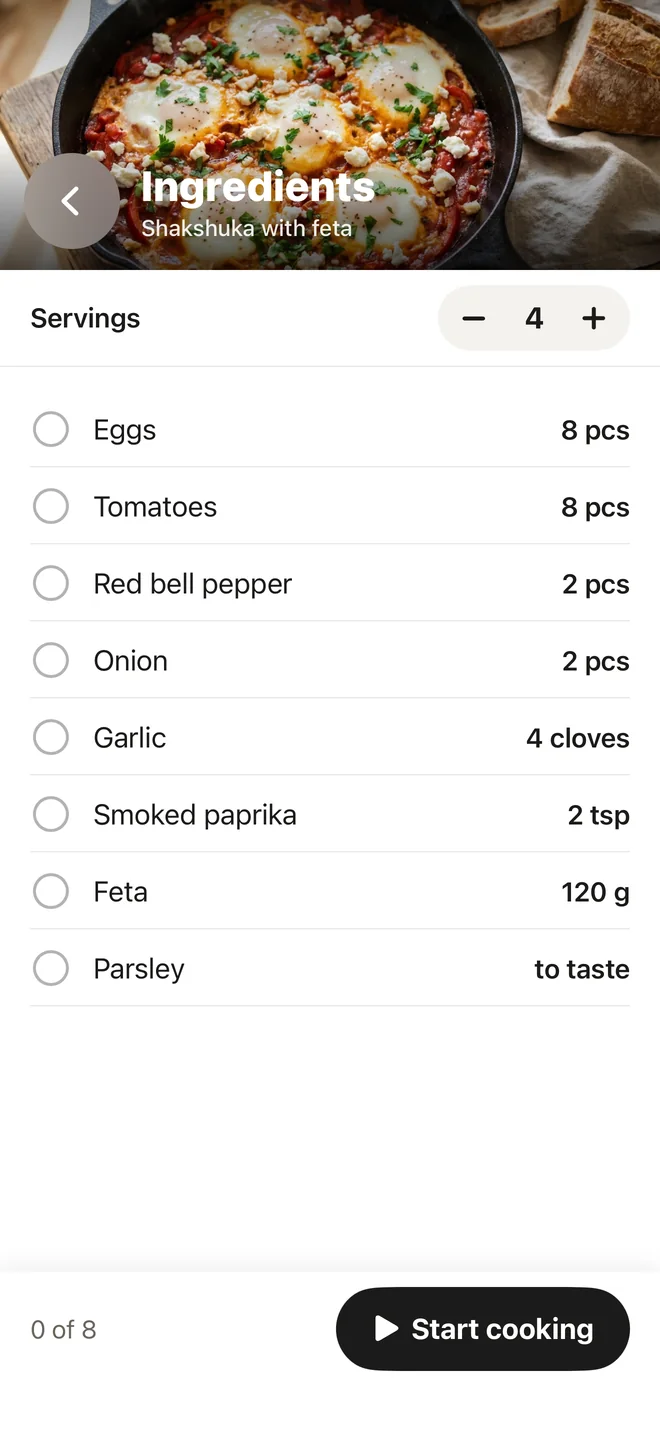
Calories and servings
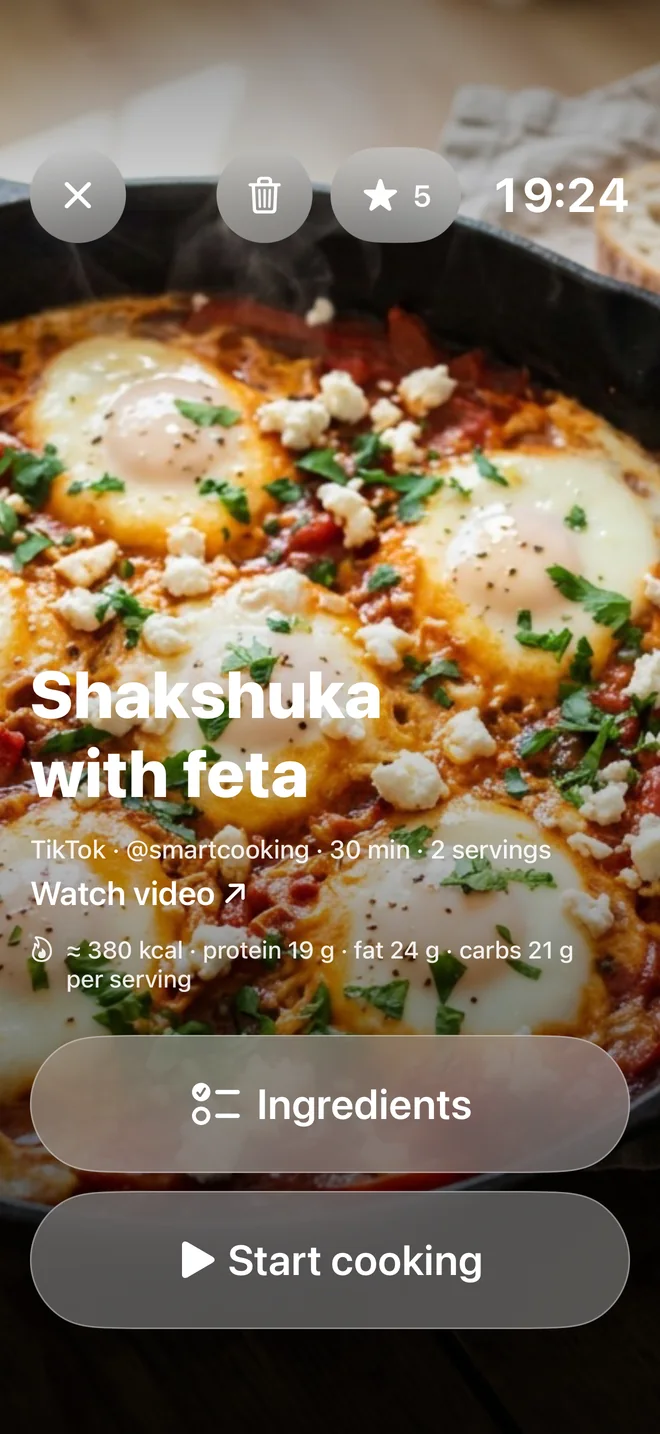
Calories, protein, fat and carbs per serving, estimated by Chef AI. Change the servings and every amount is recalculated.
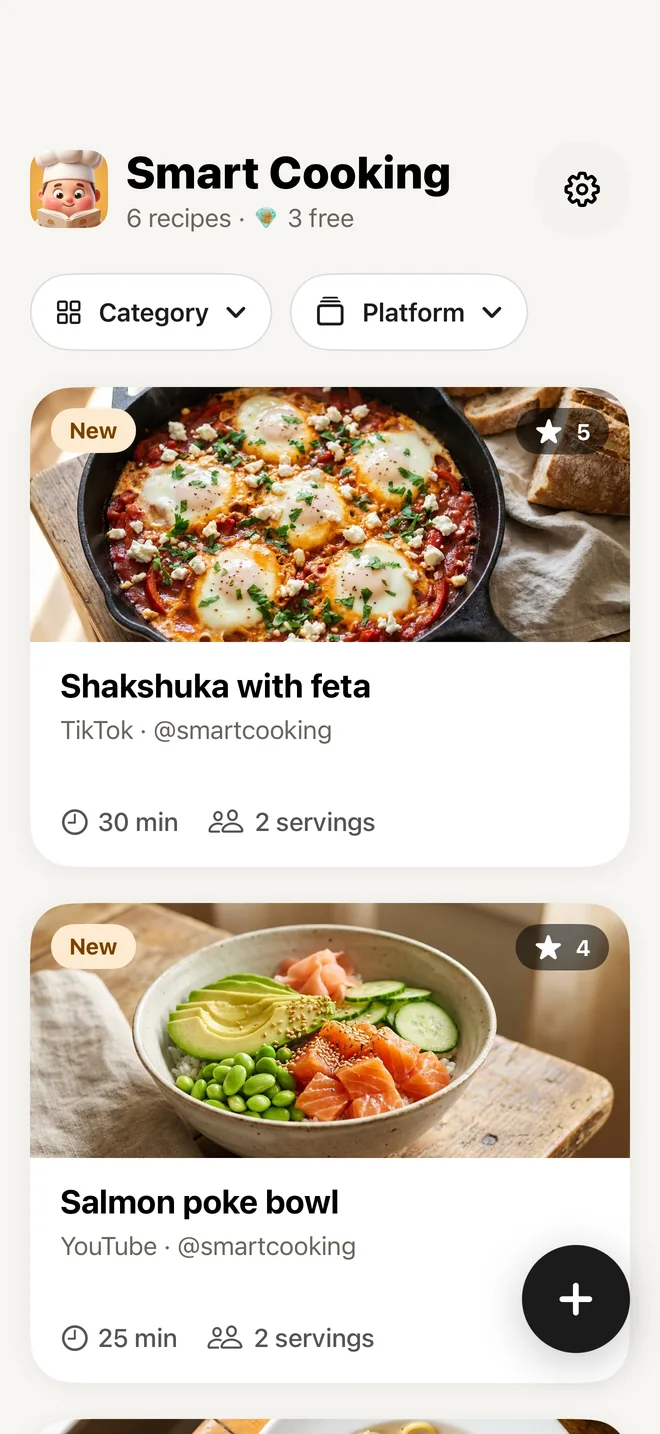
Your own recipe book
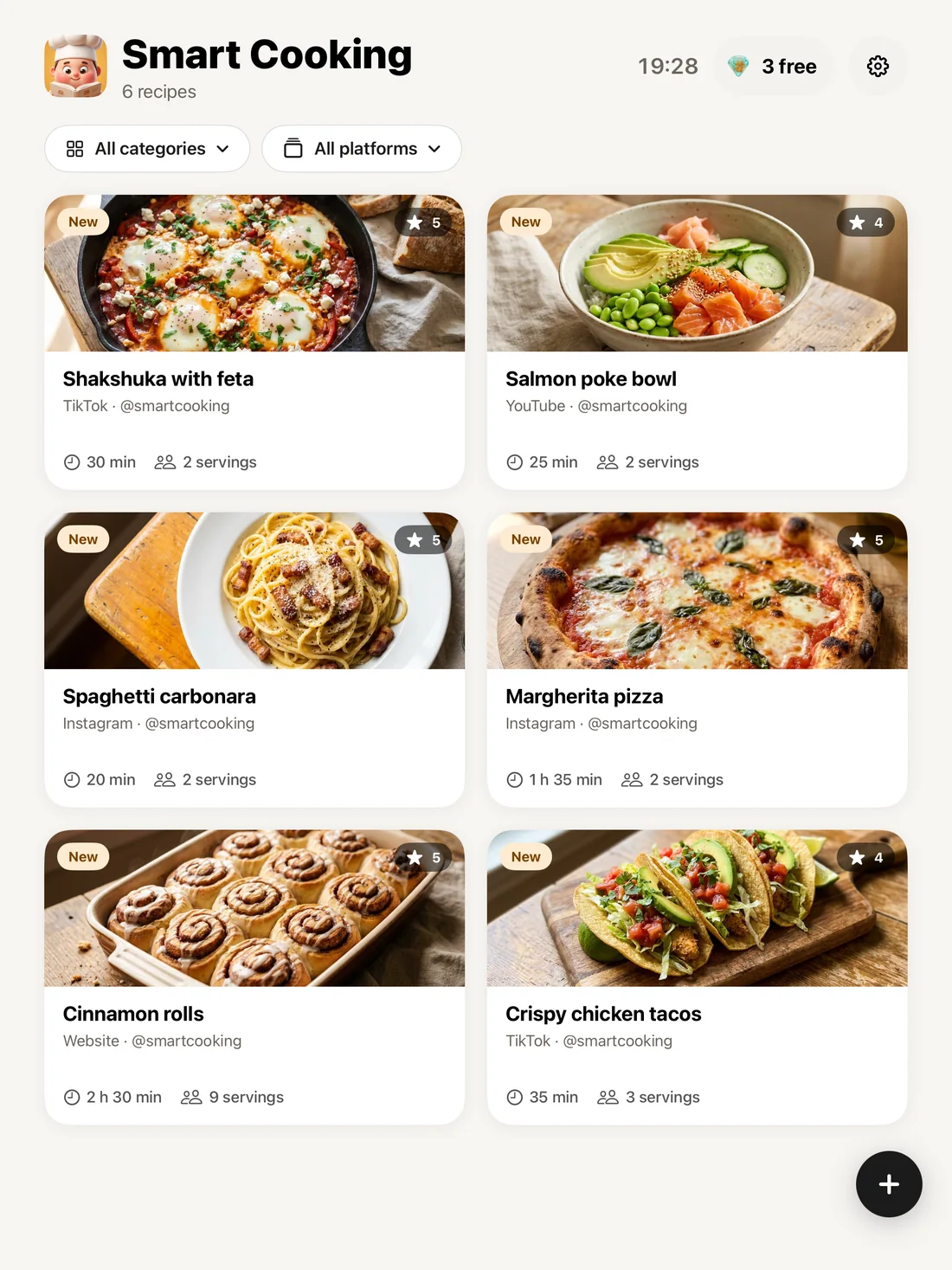
Recipes sort themselves by category and by source. After cooking, rate the dish and leave a note for next time.
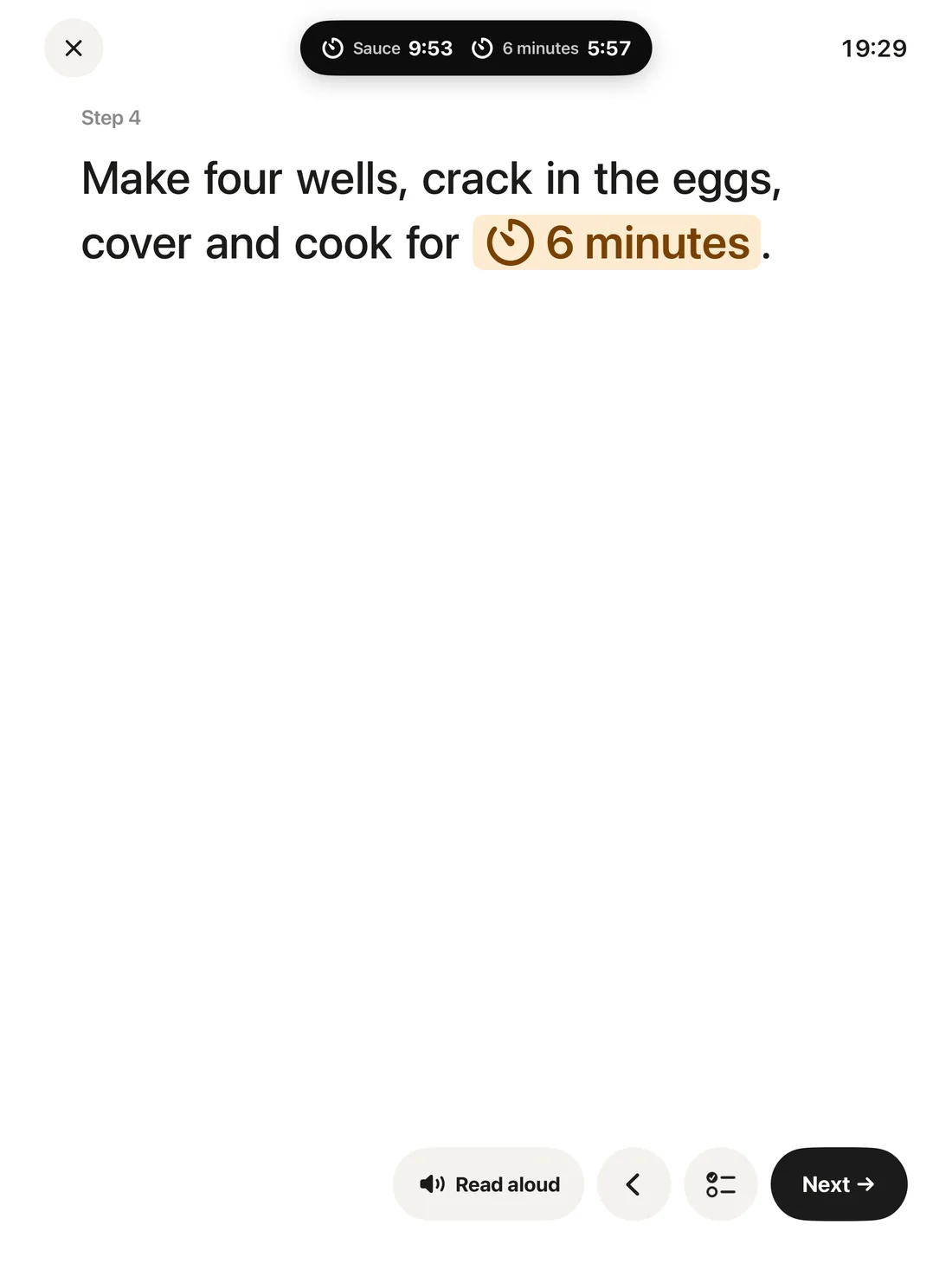
On the iPad in your kitchen
The same app on iPhone and iPad, with recipes synced through iCloud. The screen stays on while you cook, and Read aloud reads the step when your hands are busy.
No subscription, no sign-up
- Your first 3 recipes are on us.
- After that you pay with crystals, and only for new recipes.
- Crystals are charged only when the recipe is ready. If it doesn’t work out, you get them back.
- The video is deleted as soon as your recipe is ready.
Questions and answers
Which sources does it understand?
Instagram, TikTok and YouTube videos, and recipe websites. From a website you get just the recipe, with no ads and no life story.
What language will my recipe be in?
In your language, whatever language the video is in. The app itself is in English, Russian, Spanish, German and French.
Is there a subscription?
No, and no sign-up either. Your first 3 recipes are on us; after that you pay only for new ones.
Which devices does it run on?
iPhone and iPad with iOS or iPadOS 18 or later. Recipes sync between them through iCloud.